Organise saved devices with tags
Tags let you label and filter the STICKERs in your saved list — for example by site, customer, or variant.
Tag a device
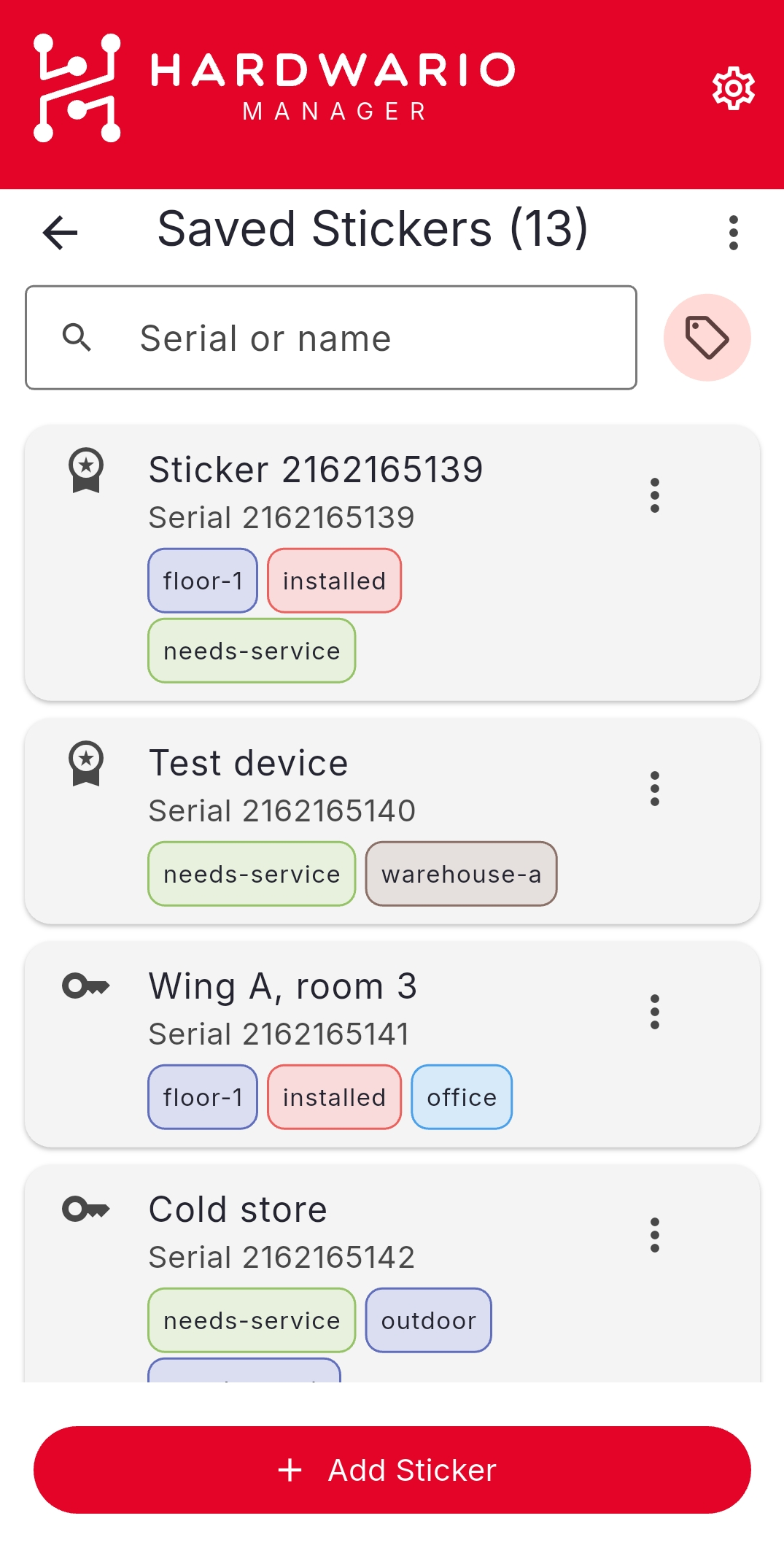
- Open HARDWARIO Manager and go to STICKER → Saved Stickers.
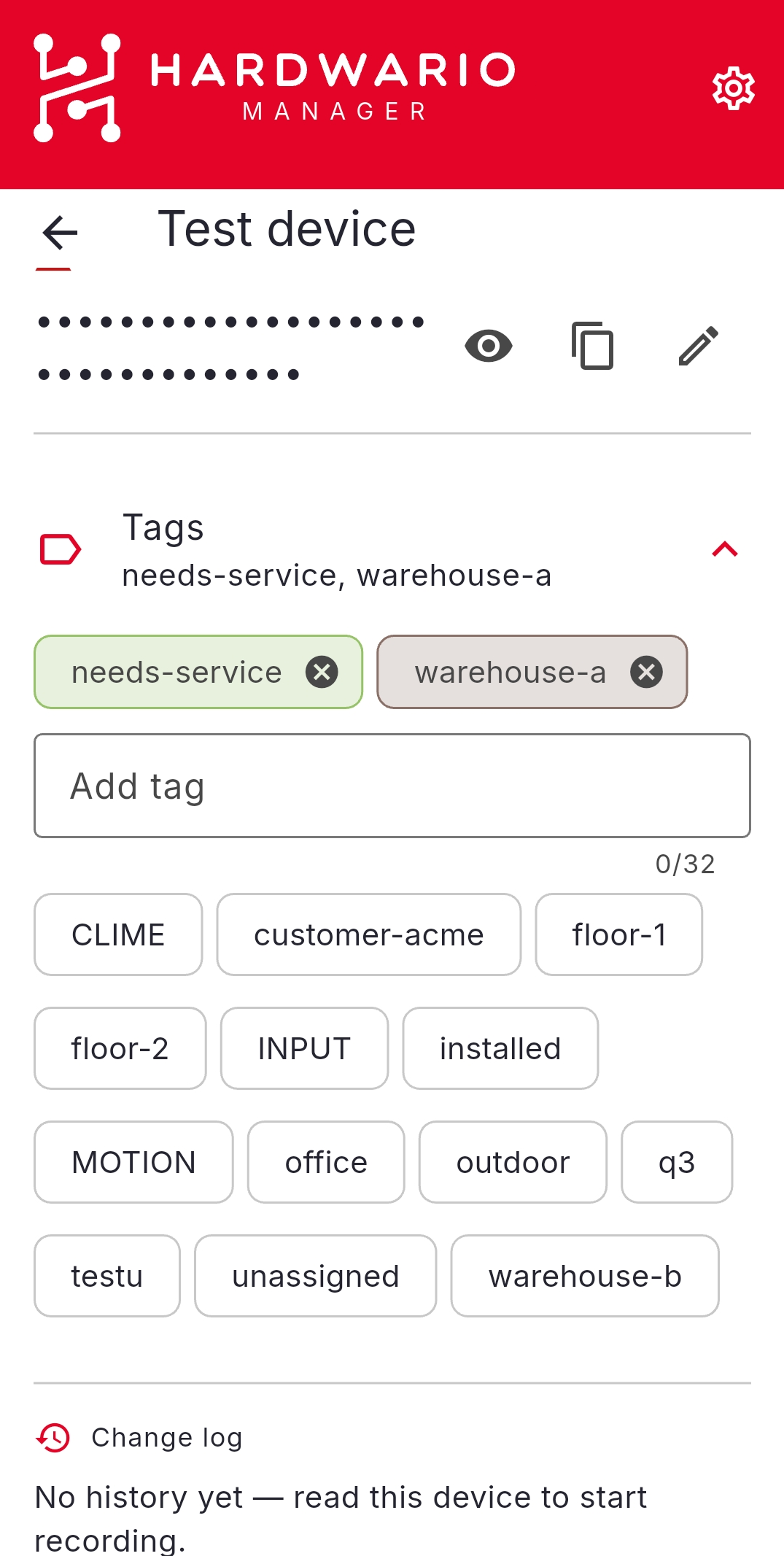
- On a device row (or in its Detail), choose Edit tags.
- Pick existing tags or create a new one, then confirm.
Manage the tag registry
Open the ⋮ menu on the Saved Stickers list and choose Tags to open the registry.
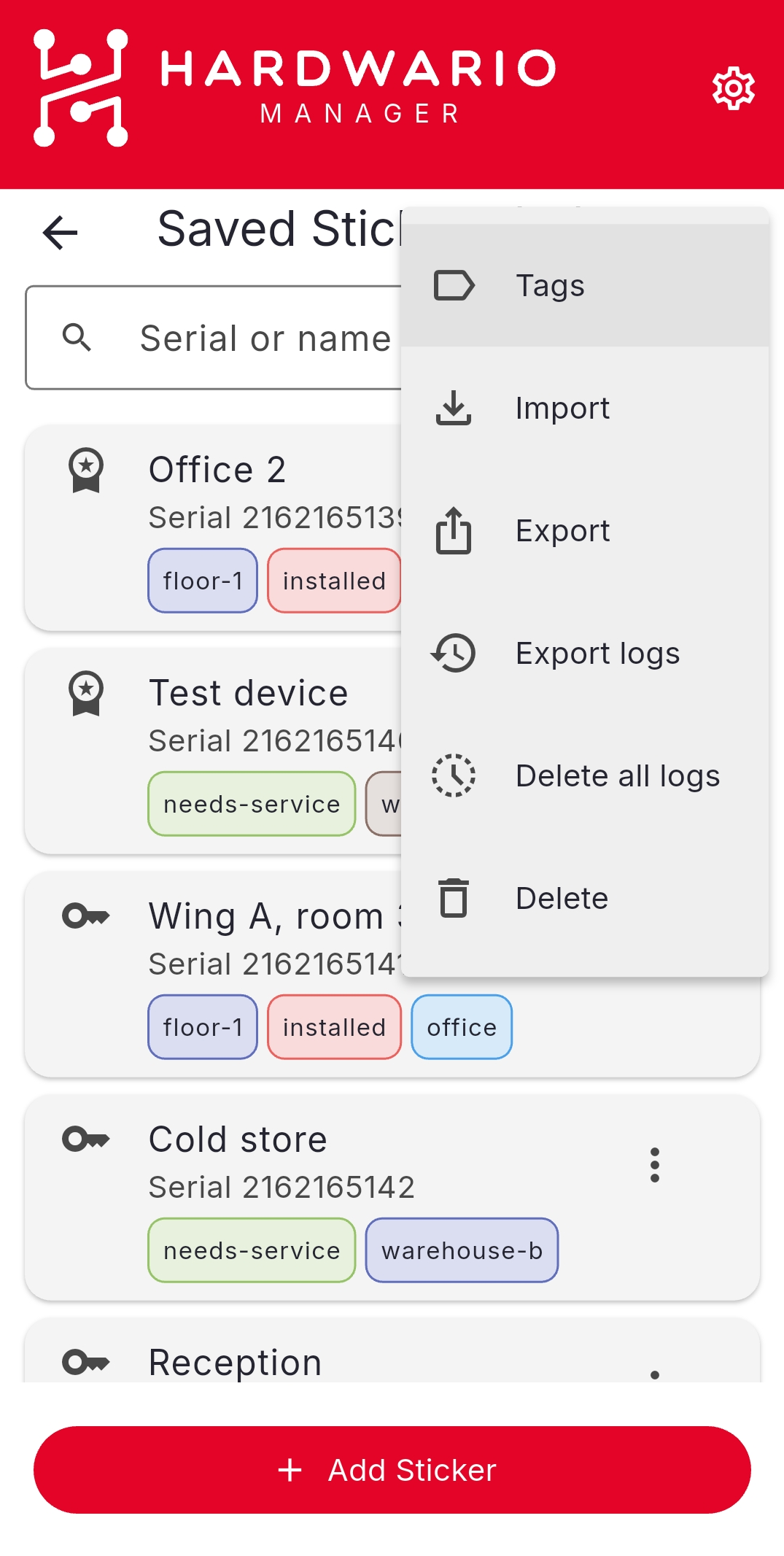
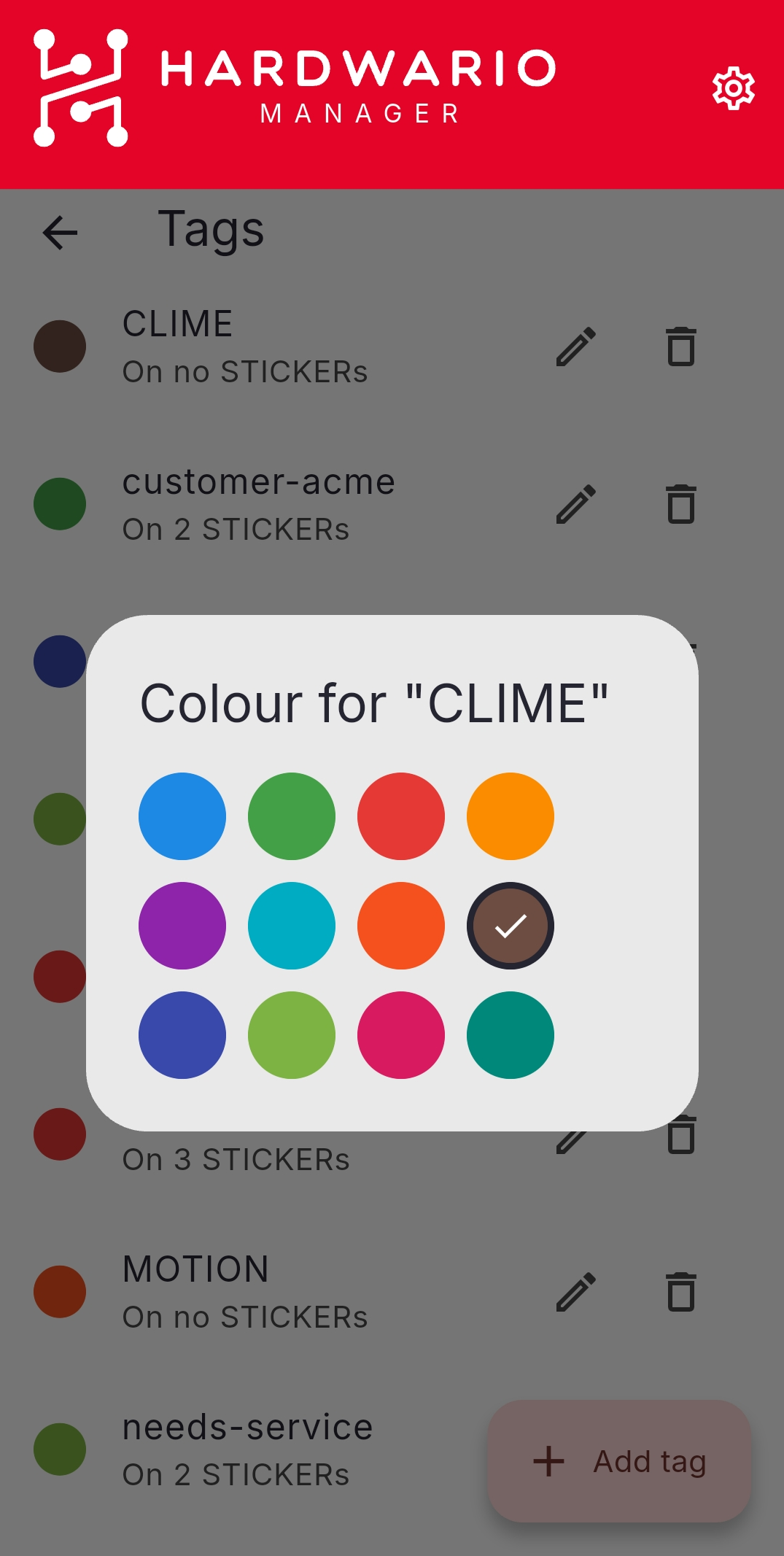
In the registry you can add, rename, recolour, or delete tags across your whole list — for example, pick a new colour for a tag.
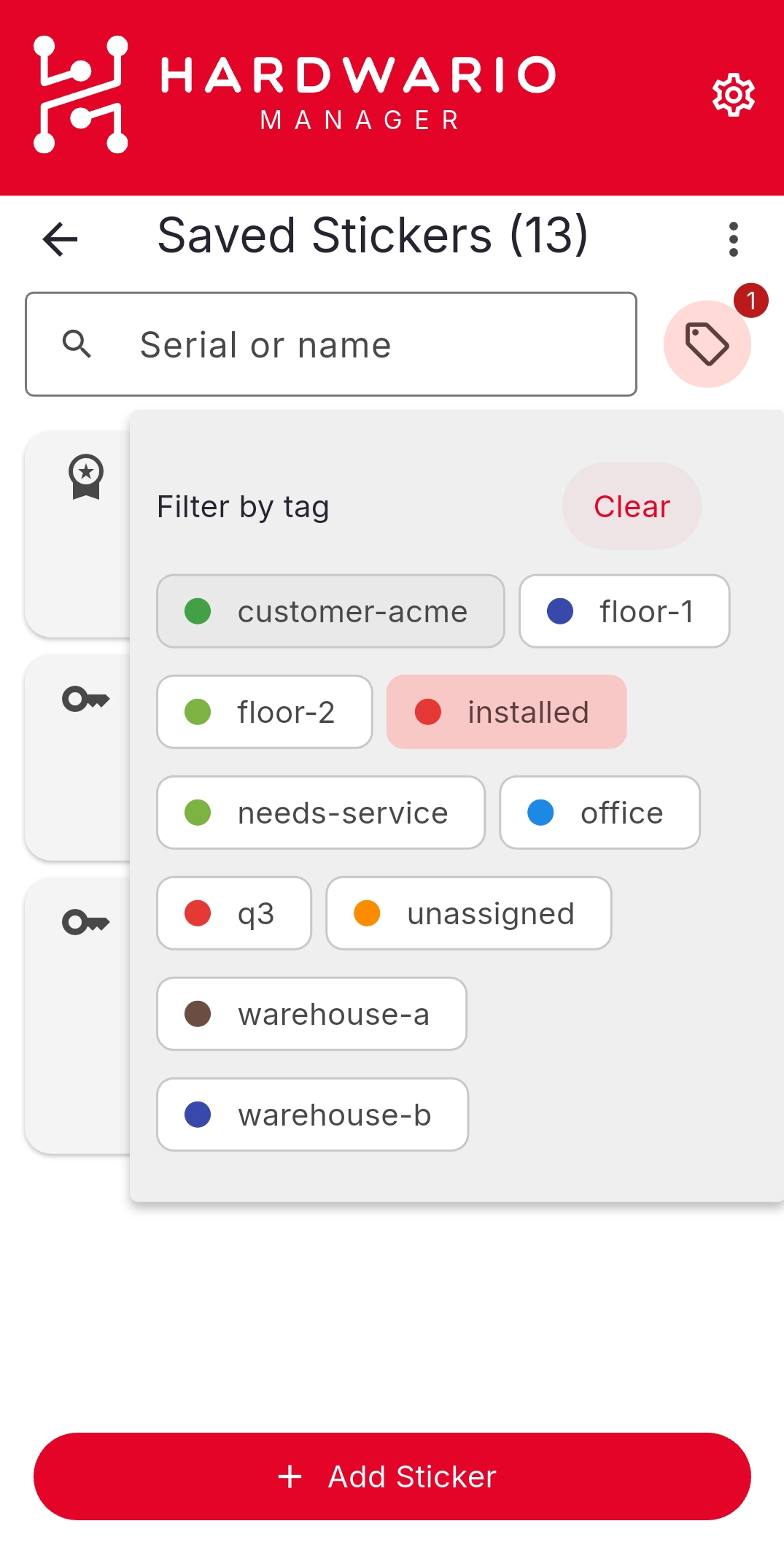
Filter by tag
Back in Saved Stickers, tap the tag icon and pick one or more tags to show only the matching devices; the badge shows how many filters are active, and Clear removes them.