Set up 1-Wire sensors
Assign the external 1-Wire temperature sensors connected to a STICKER Input to the device's sensor slots.
- Wire the sensors to the STICKER first — see STICKER Input wiring.
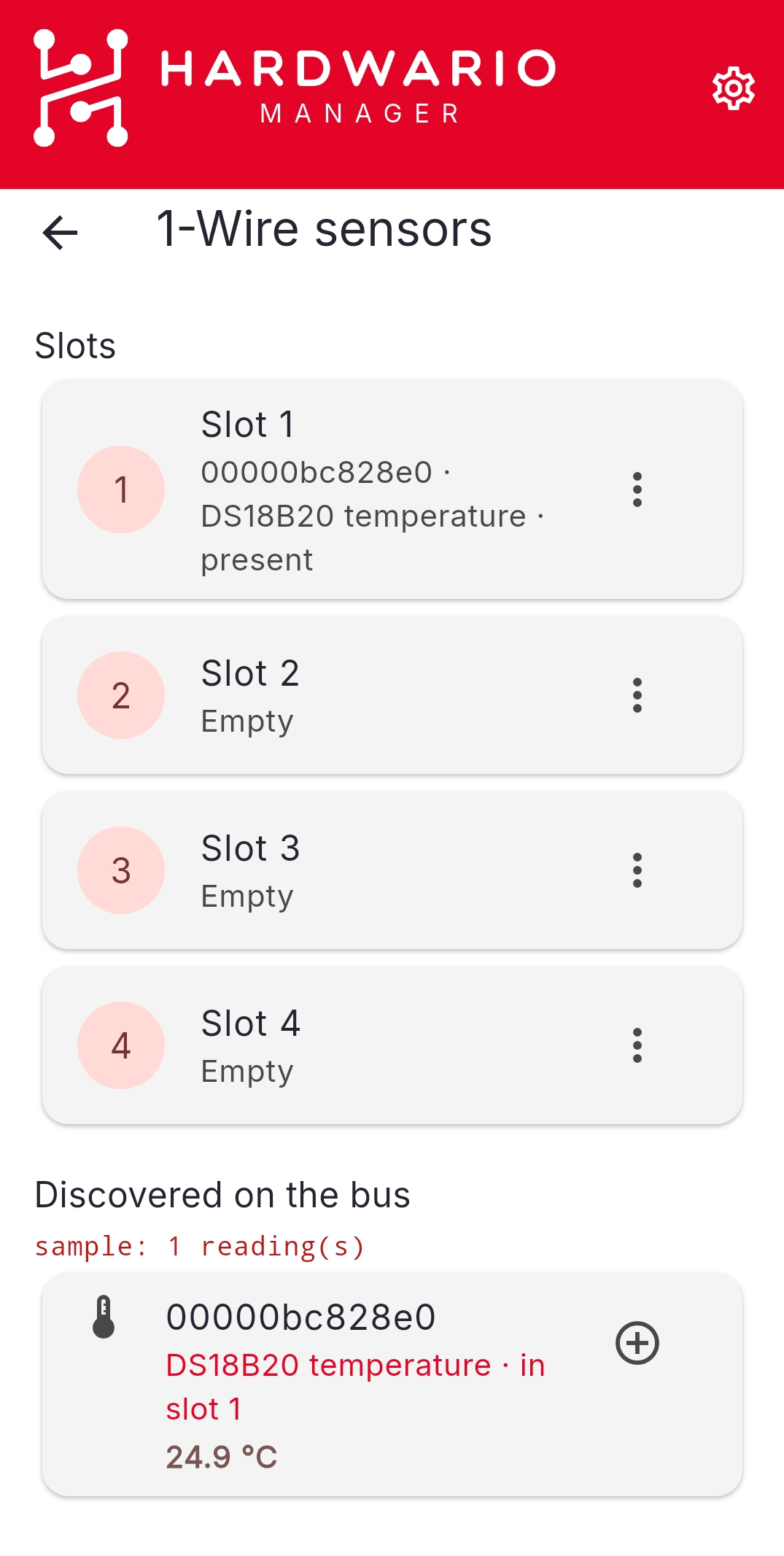
- Open HARDWARIO Manager and go to STICKER → Tools → 1-Wire sensors.
- Scan the bus to discover the connected sensors (each reports its unique ROM address).
- Assign each sensor to one of the four slots. You can clear a slot or reorder the slots.
The slot order sets which channel each sensor reports over LoRaWAN, so keep it consistent across your fleet.