Sample sensor data
Read every sensor on a STICKER right now and see the values — useful for a quick end-to-end test.
- Open HARDWARIO Manager and go to STICKER → Tools → Sample data.
- Hold the phone against the STICKER and keep still.
- The app reads the sensors and shows the current values.
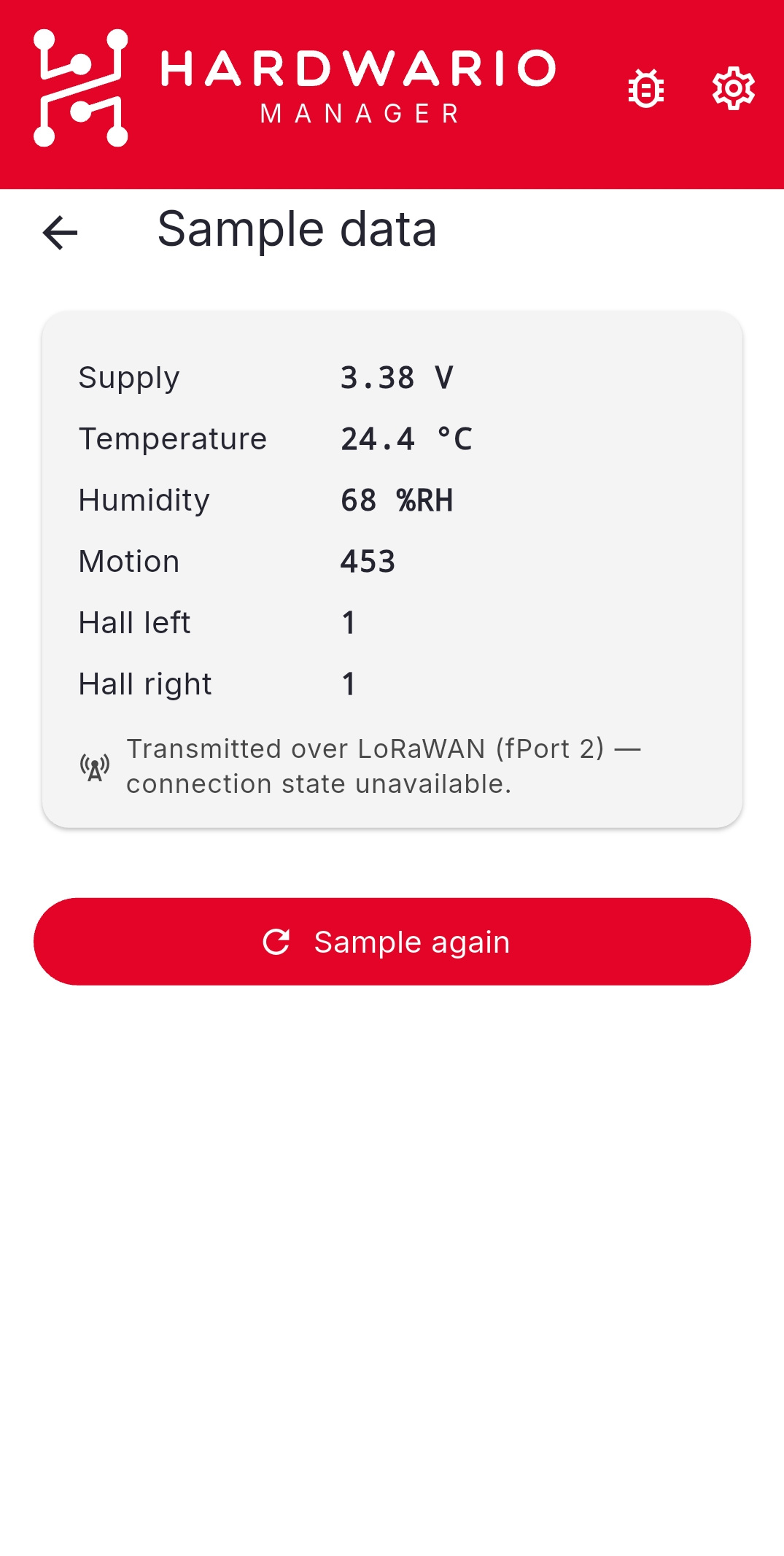
Sampling also sends an uplink
On STICKER, sampling reads the sensors and transmits the values in a single firmware step, so it also produces a LoRaWAN uplink (there is no NFC read-only sample). Use it to confirm the whole path — sensor to network server — is working.
To read measurements the device stored earlier instead of taking a new sample, use STICKER → Tools → Sensor history.