Scan multiple STICKERs (batch export)
Capture the configuration of many devices in one session and export them together — handy for inventory or backups.
Capture the devices
- Open HARDWARIO Manager and go to STICKER → Configuration → Scan multiple (batch export).
- Choose which sections to capture (LoRaWAN, Application, Sensors, Alarms), then tap each STICKER in turn — every device's configuration is captured automatically as you tap it, and the running count grows.
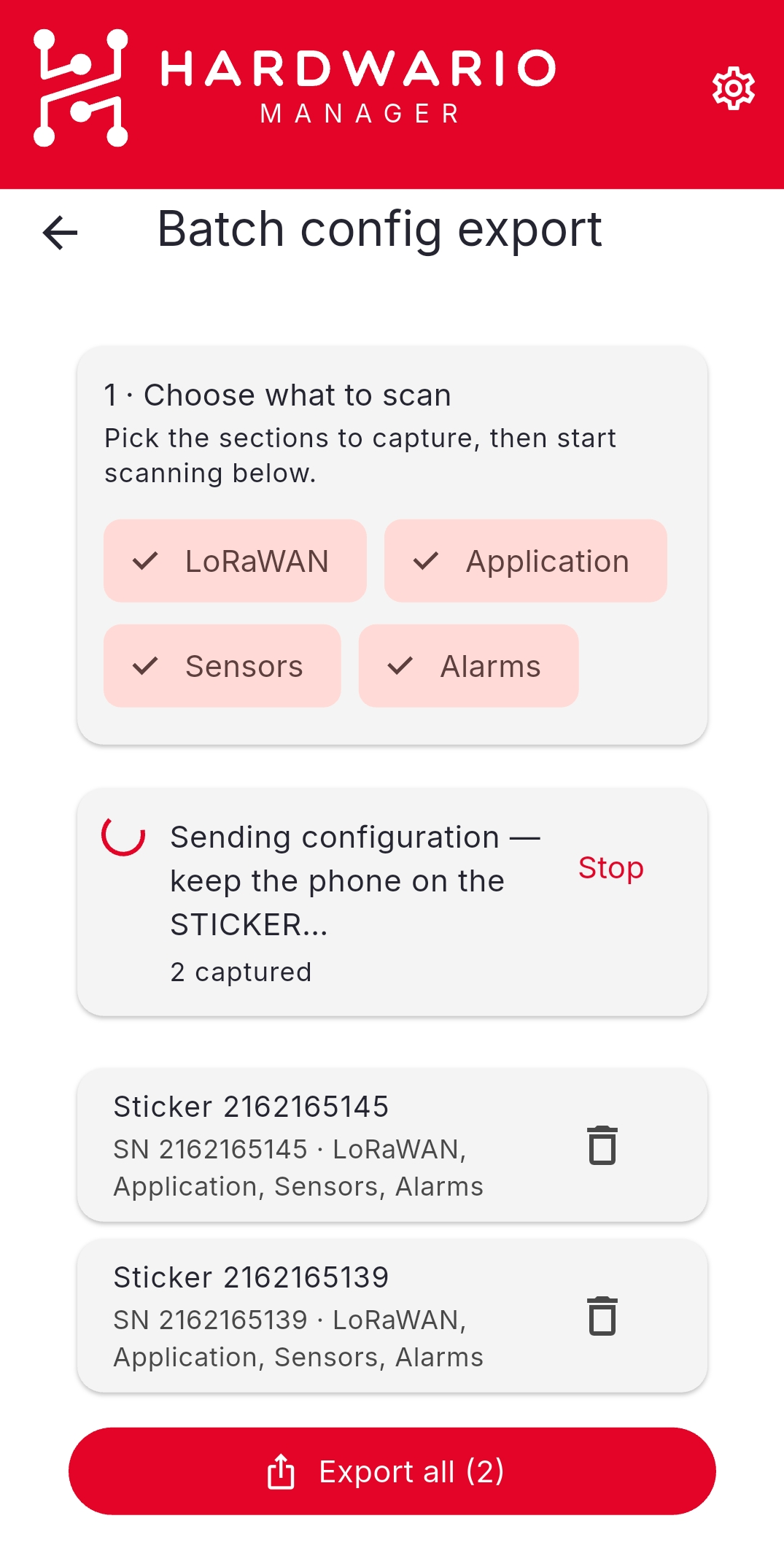
Export them together
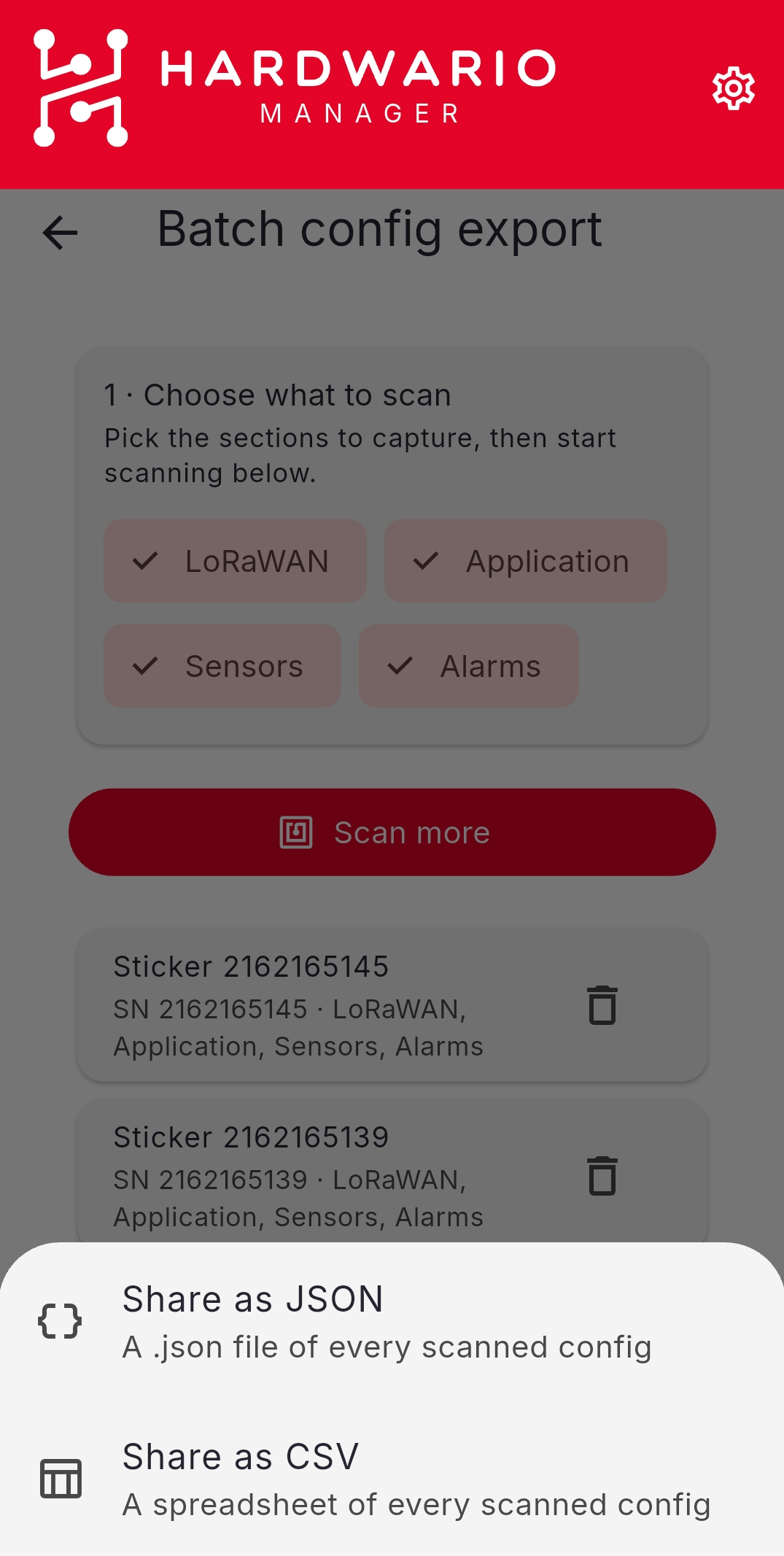
When you have scanned everything, choose Export all and pick a format — Share as JSON (a .json file of every captured config) or Share as CSV (a spreadsheet of every captured config).
This only reads the devices — nothing is written. To write the same settings to many devices instead, use a template.