View a device's change log
The change log records each configuration read and each successful write for a saved STICKER, so you can see what changed and when.
Turn the change log on
Go to Settings → STICKER change log and choose a retention period: Off, 30, 60, or 90 days.
Open a device's log
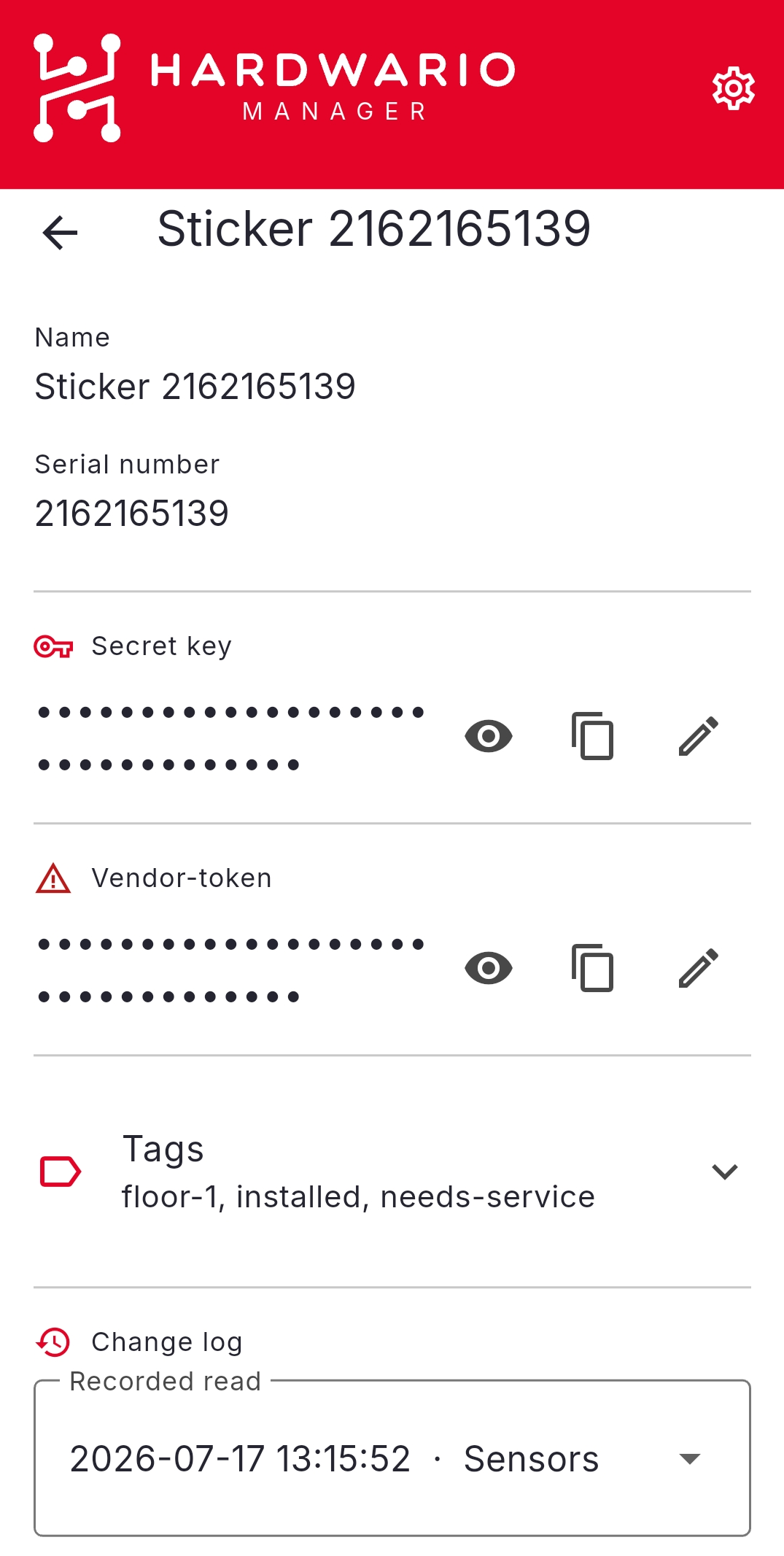
- Go to STICKER → Saved Stickers and open a device's Detail.
- Open its Change log.
- For any entry you can review it, apply it back to a device, export it, or delete it.
Bulk actions
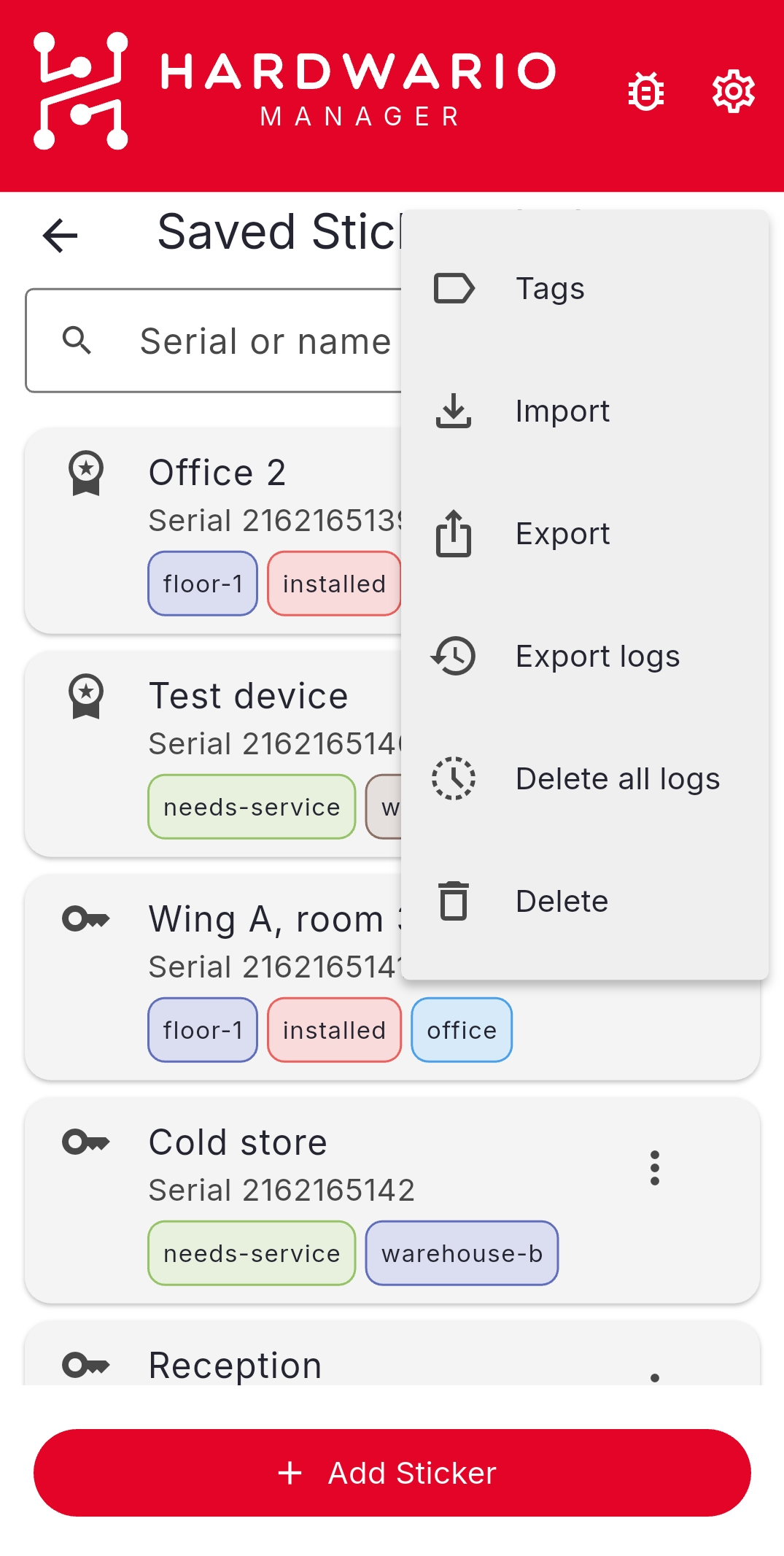
From the ⋮ menu on the Saved Stickers list you can Export logs or Delete all logs across your devices.