CHESTER tools
CHESTER → Tools holds the three actions that operate on the device itself rather than on its configuration.
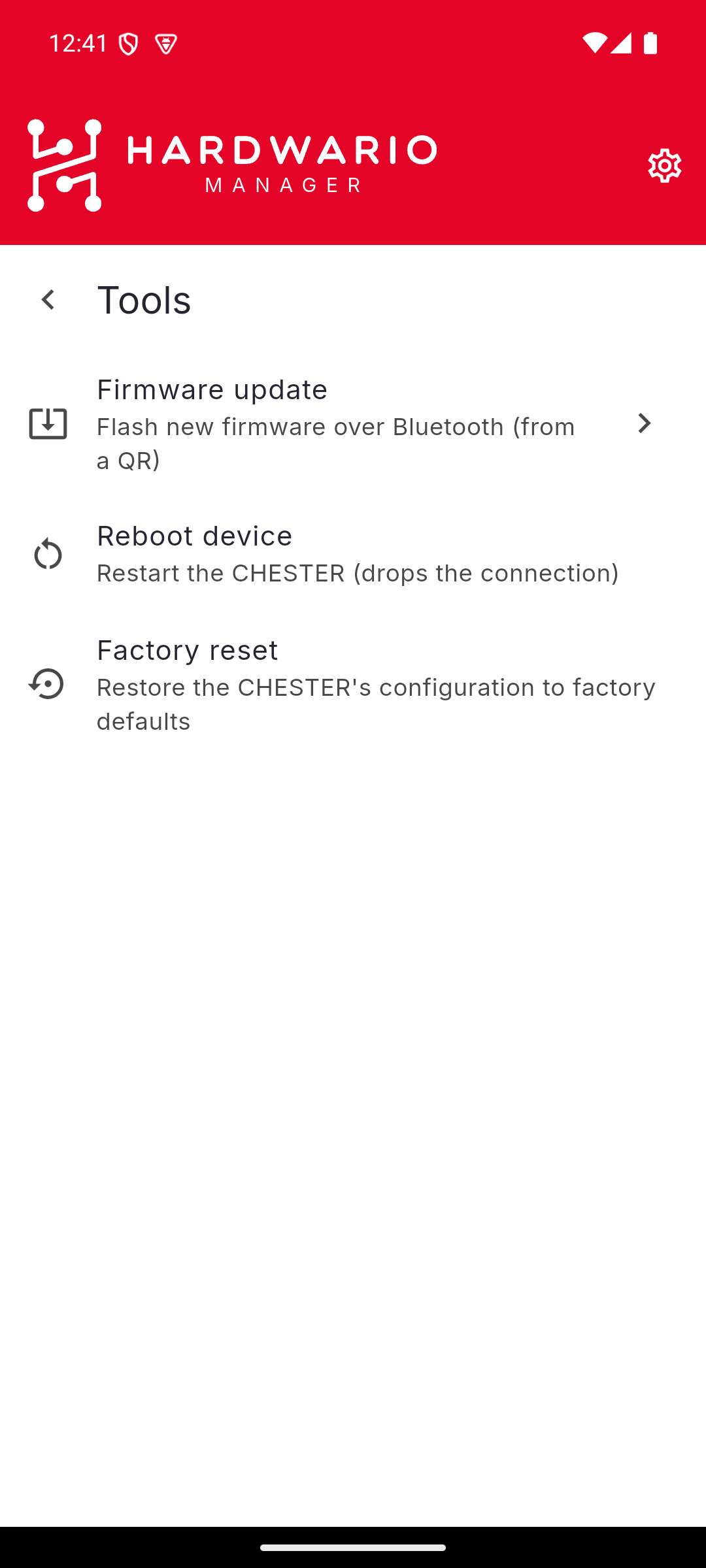
| Tool | What it does |
|---|---|
| Firmware update | Flash new firmware over Bluetooth, from a QR code |
| Reboot device | Restart the CHESTER — this drops the connection |
| Factory reset | Restore the CHESTER's configuration to factory defaults |
Reboot device
Restarts the device. Because the CHESTER drops its Bluetooth link when it restarts, the app disconnects — reconnect from the setup wizard once the device is back up, which takes a few seconds. Settings already committed to the device survive the reboot; anything changed but not saved does not.
Factory reset
Restores the device's configuration to its factory defaults. This is a destructive action, and the app asks you to confirm before it runs.
Intervals, communication mode, LTE and LoRaWAN settings, and bound BLE tag slots all go back to their defaults. Export the configuration first if you may need it again — Share configuration on the Configuration screen writes out the whole thing as text.
If an action fails, the app reports it rather than failing silently, and offers the underlying error behind Details. See Troubleshooting.