Sample sensor data
Read every sensor on a STICKER right now and see the values — the quickest end-to-end test that a device is working.
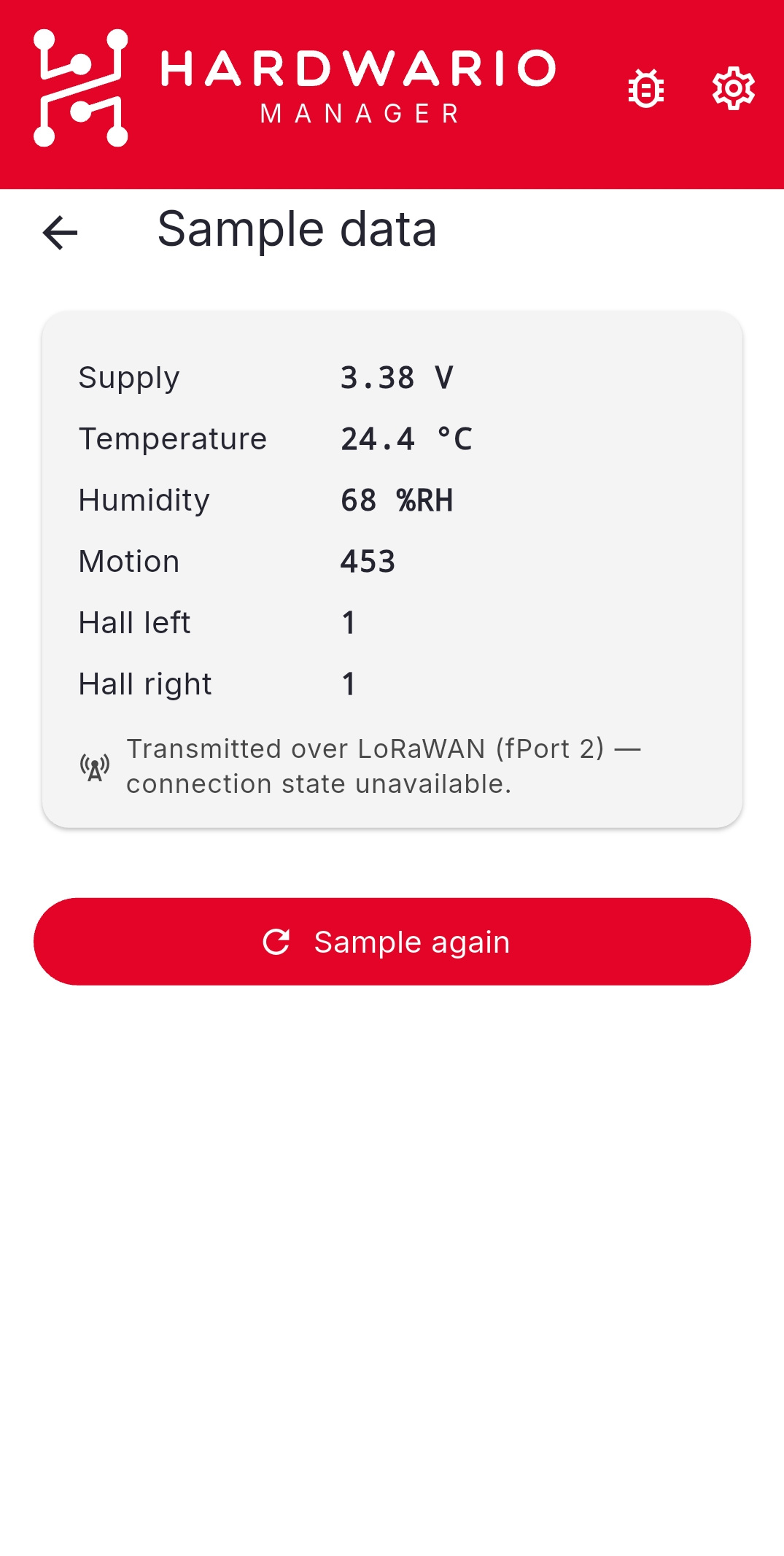
- Open HARDWARIO Manager and go to STICKER → Tools → Sample data.
- Hold the phone against the STICKER and keep still.
- The app reads the sensors and shows the current values.
Sampling also sends an uplink
On STICKER, sampling reads the sensors and transmits the values in a single firmware step, so it also produces a LoRaWAN uplink — there is no NFC-only read. The app reports whether that transmission was delivered, so one tap confirms the whole path from sensor to network server.
Sampling takes longer than most NFC actions because it waits for the sensors and the radio. Keep the phone against the device until the result appears.
To read measurements the device stored earlier instead of taking a fresh reading, use Sensor history.