Set up 1-Wire sensors
Assign the external 1-Wire temperature sensors connected to a STICKER Input to the device's sensor slots.
- Wire the sensors to the STICKER first — see STICKER Input wiring.
- Open HARDWARIO Manager and go to STICKER → Tools → 1-Wire sensors.
- Choose Read slots & scan the 1-Wire bus and hold the phone against the device. Each sensor found reports its unique ROM address.
- Assign each sensor to one of the four slots. You can clear a slot, or swap two sensors between slots.
- Tap Save to device and hold the phone against the STICKER again.
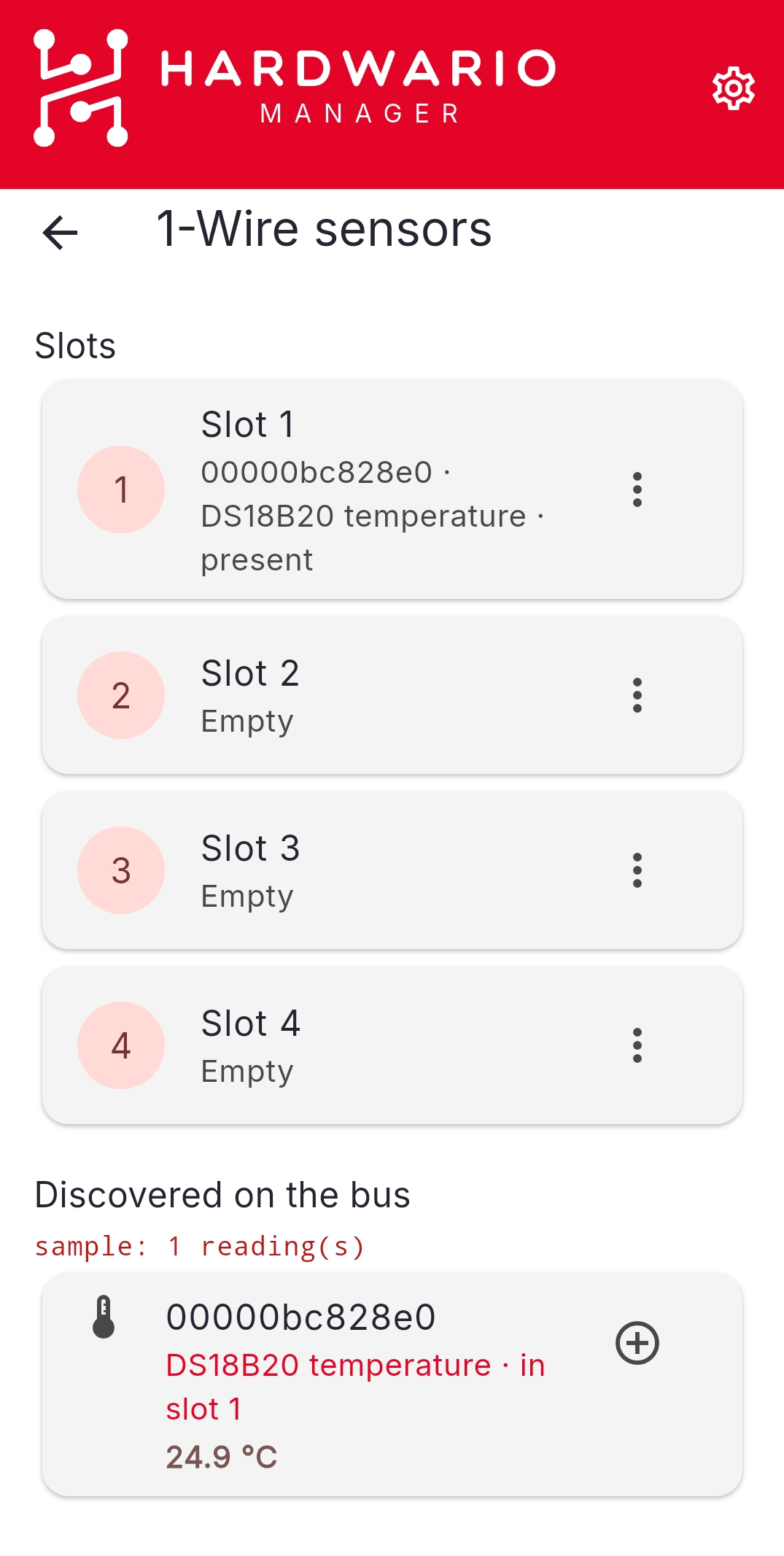
Live readings are shown next to the sensors as you work, which is the quickest way to tell which physical probe is which — warm one in your hand and watch which row moves.
Revert to read values puts the slots back to what the device reported, if you change your mind before saving.
Slot order decides the channels
The slot order sets which channel each sensor reports over LoRaWAN, so keep it consistent across a fleet — otherwise the same channel means a different probe on different devices.