Playground Installation
We tried to make sure that the installation of Playground is as easy as possible so we created Installation packages for all the major operating systems.
Download
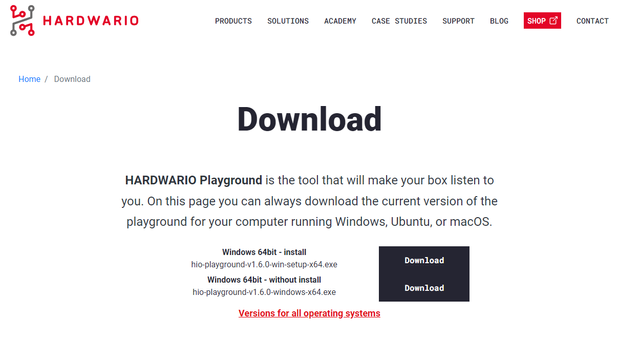
Download the latest Playground release from the official GitHub releases page. Choose the installation package for your operating system.
If you need another version or want to inspect the application itself, visit the complete Playground release history.
There is always an installation package and also just an executable option. It is up to you which you choose to download, they should work the same.
Installation
If you downloaded the installation package just run it and get through the installation and you should be ready to use Playground
If you downloaded just the executable, you can run it you should be ready to use Playground
You can now read about each tab of Playground, to understand what each of them does:
- Radio Network Management (Devices and Messages)
- Node-RED Programming (Functions)
- Data Visualization (Dashboard)
- Firmware Flashing (Firmware)