Shell Commands
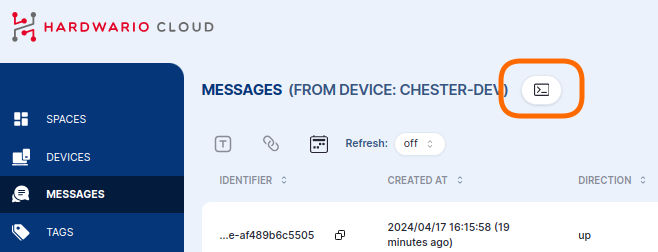
In the messages or device detail, click the shell icon to open the shell console.
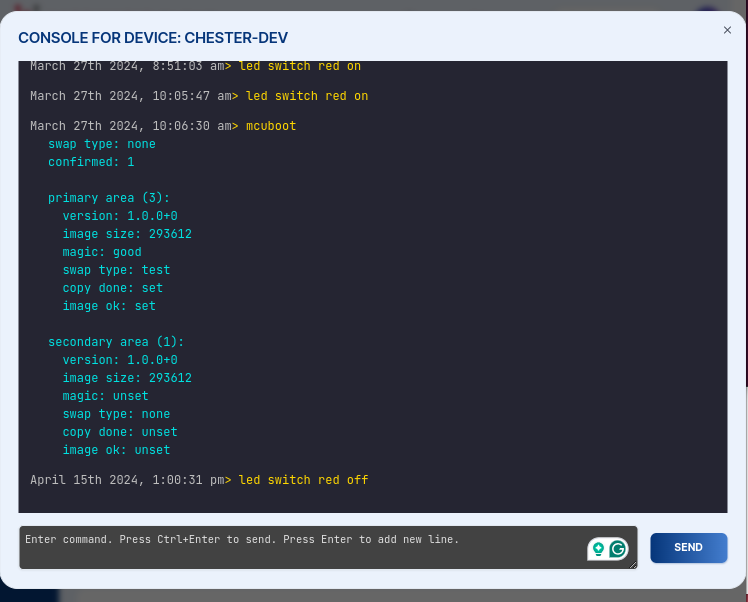
In the console you can enter single or multiple commands that run the next time CHESTER boots, sends data, or polls the Cloud. You then receive the response of every command back in the console — you don't need to keep the window open. Schedule commands and come back later (even the next day) to see the results.
Any device shell command works here. Some useful ones:
| Command | Description |
|---|---|
help | List all available shell commands |
info show | Show device info — HARDWARIO Serial Number (HSN), firmware version, etc. |
app config show | Print the application configuration |
lte config show | Print the NB-IoT/LTE network configuration |
lrw config show | Print the LoRaWAN network configuration |
config reset | Reset the configuration to its defaults |