CLOUD Overview
HARDWARIO Cloud allows users to manage it's devices.
HARDWARIO Cloud has this structure:
- Organizations (assigned to users)
- Groups (callback configuration)
- Devices (display messages)
User configuration
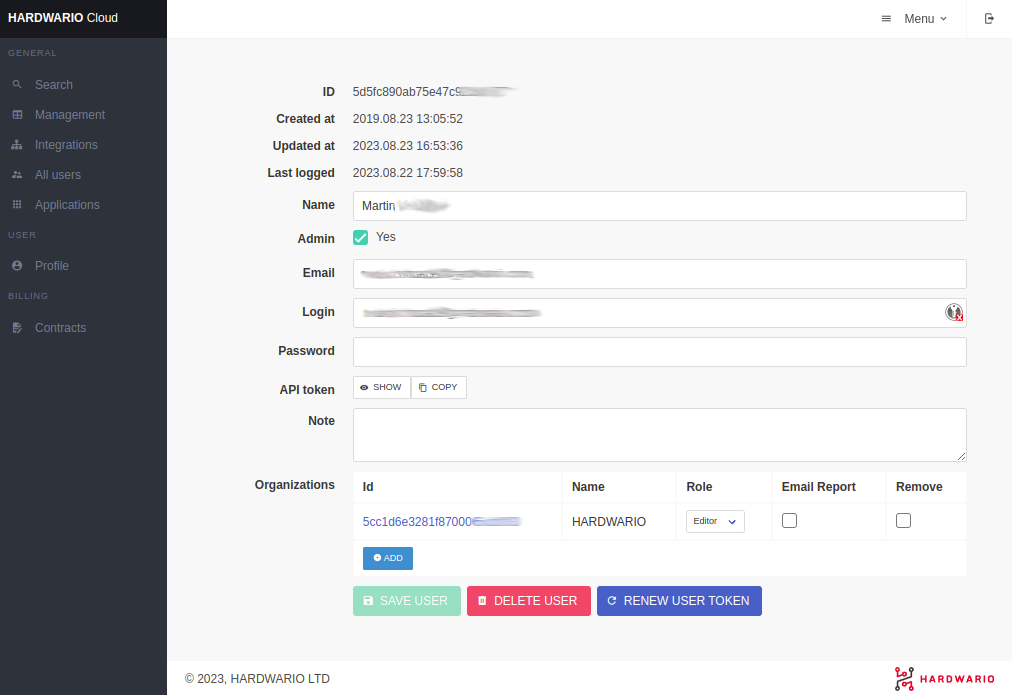
Here you can set users' login credentials and assign organizations and roles to them.
Groups
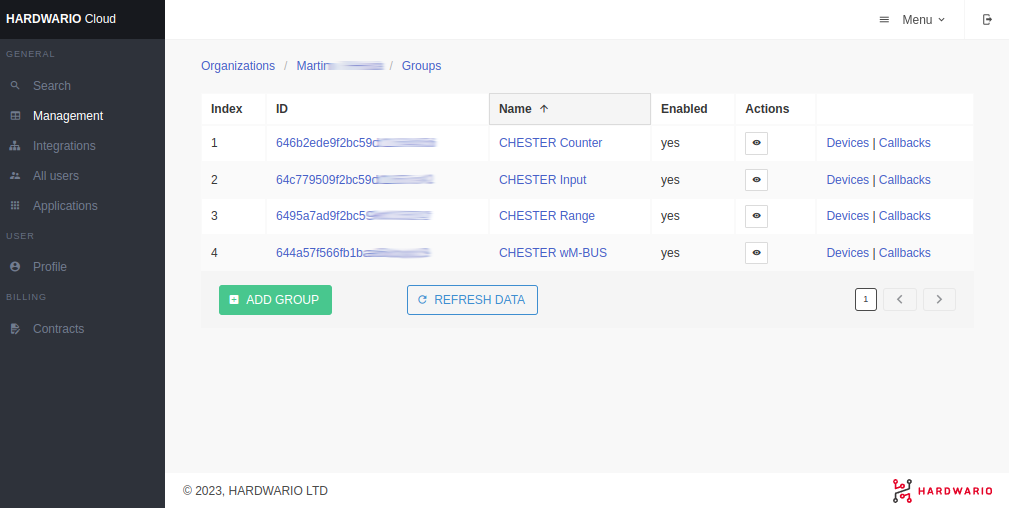
Here you can see groups within the organization. Here you can also set the callbacks for each group.
Callbacks
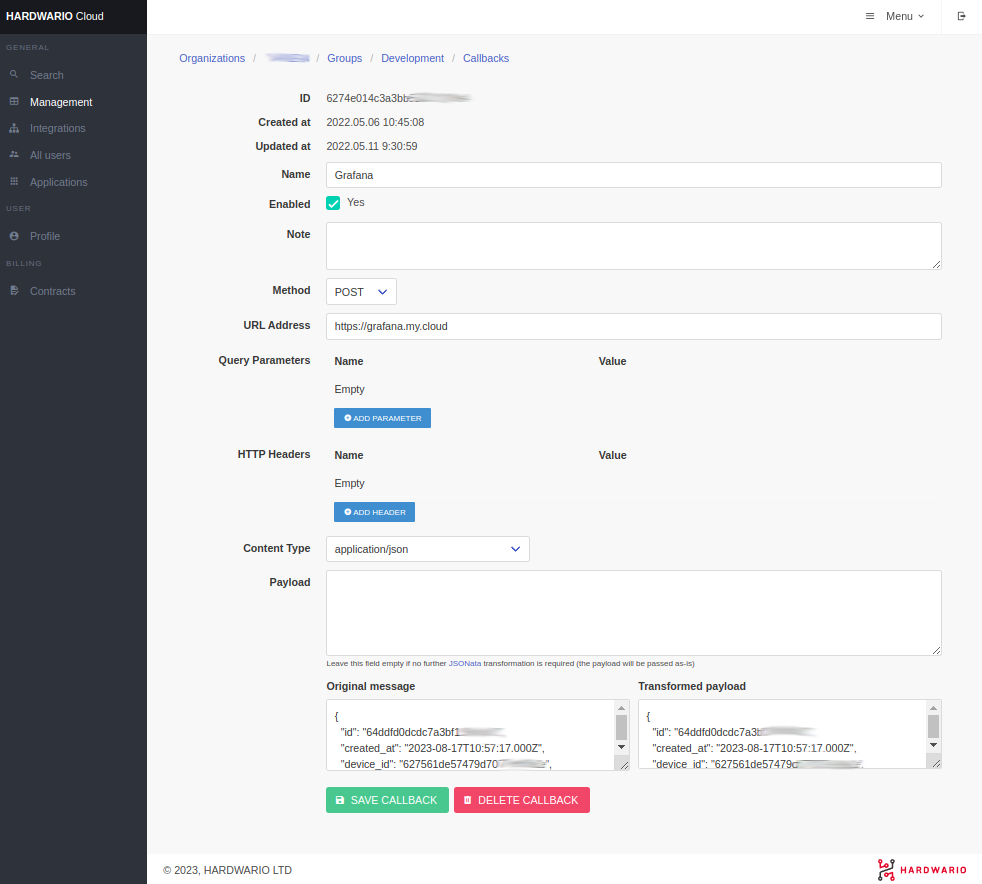
In callbacks, you can set URL and HTTP parameters. You can also apply JSONata rules and completely change the structure of the JSON. You can also use values from the original JSON in the URL by typing:
http://my.callback.cloud/?temperature={{data.hygrometer.temperature.measurements.0.avg}}&humidity={{data.hygrometer.humidity.measurements.0.avg}}
Devices
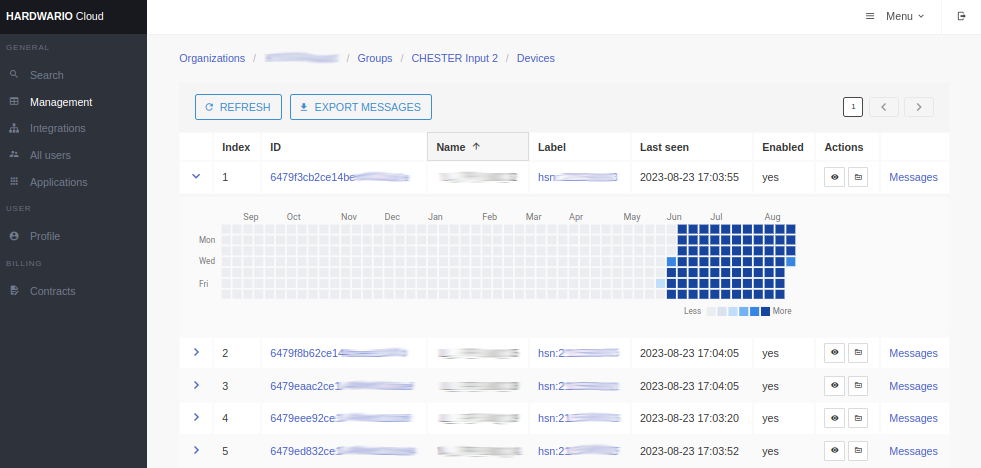
In the group, you can see all the devices. You can also use a handy visualization that shows how many messages devices sent every day.
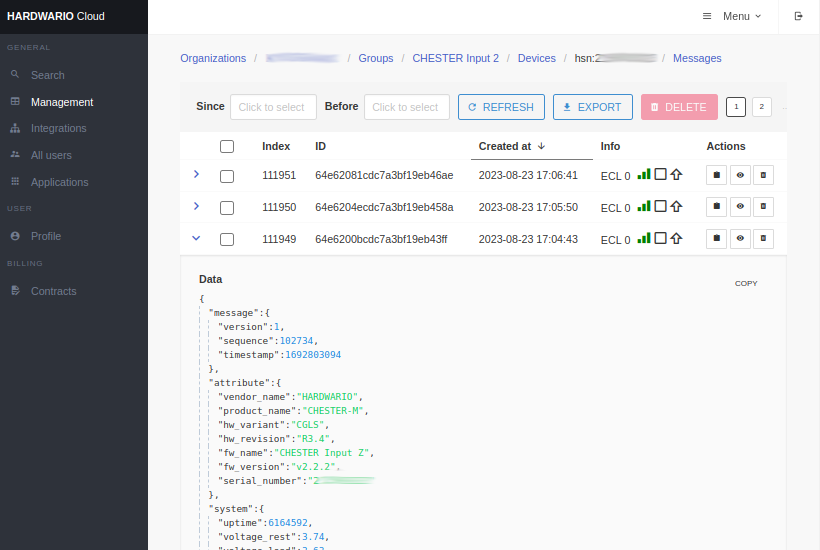
Messages
In the message section, you see all the received and decoded messages in JSON format. For each message, you can also check the callback endpoint response.